
YOU MAKE THE SALE. WE DRIVE THE DELIVERY.
Create your delivery from your phone, print the QR label, and stage the package for pickup. A simple process that connects your merchant team with the driver from pickup to final drop.
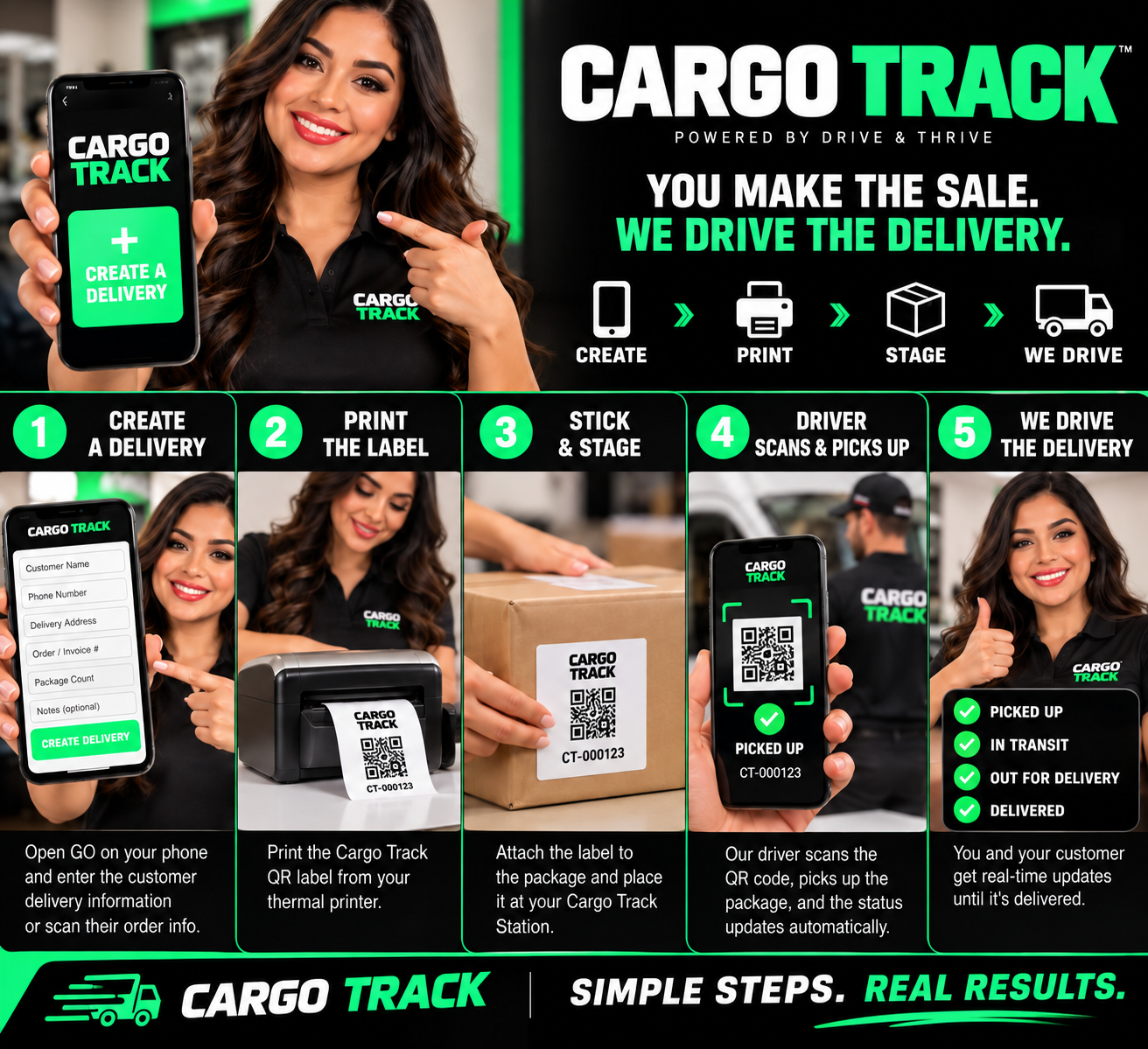
Simple steps. Connected deliveries.
Give each package a delivery record and a QR label, so your team and the driver can follow the same order.
Create the delivery
Enter the customer’s name, phone number, delivery address, order number, package count, and notes.
Print the label
Print the delivery’s QR label and check that it matches the package being prepared for pickup.
Stick & stage
Attach the label and place the package in your designated Cargo Track pickup area.
Driver scans & picks up
The assigned driver scans the QR code, reviews the delivery details, and confirms pickup.
Follow the delivery
Check progress in your merchant dashboard as the driver updates the delivery status.
Complete the trip
The driver completes the required drop-off steps and submits proof of delivery to close the trip.
Prepare the package, attach its label, and stage it for pickup. Cargo Track brings the merchant and driver workflow together.